


Adobe is making audio generation part of the same creative workflow as image and video generation. Firefly’s Generate Music, Generate Speech, and Generate Sound Effects tools are now broadly available, giving creators a way to build more of a finished piece without leaving Adobe’s AI studio.
The important shift is not simply that Firefly can make a soundtrack. It is that audio is being treated as another editable layer of content production, alongside the visual assets creators already generate.
Firefly wants to remove the audio tab switch
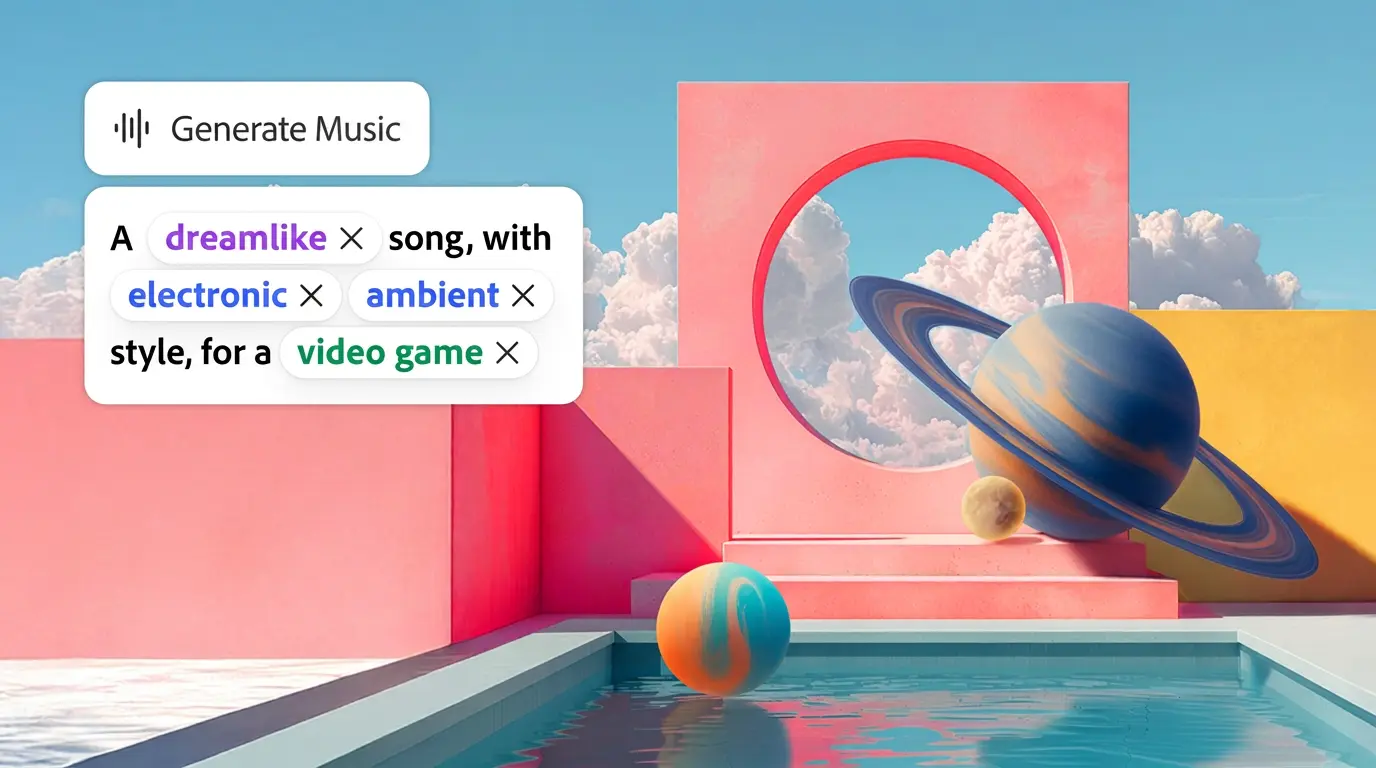
In its official announcement, Adobe describes Generate Music as a tool for creating original tracks tuned to a video’s length and mood. Generate Speech turns scripts into voiceovers with controls for pacing and emotion, while Generate Sound Effects creates audio matched to the action, timing, and energy of a piece of content.
That combination matters because sound is often handled late, after the visual idea is already taking shape. Creators may need to search for music, check licensing, record or commission voiceover, and find effects that fit a specific edit. Adobe is bringing those jobs into one place and presenting them as part of the same prompt-driven workflow.
The tools are also designed around practical controls rather than a single magic button. Generate Music can use inputs such as vibe, style, purpose, energy, tempo, and duration. A video upload can help suggest a starting prompt. Sound effects can be generated from text or guided by a voice recording, allowing creators to build more precise audio around what is happening on screen.
The real product is fewer creative interruptions
Adobe’s pitch is built around commercial safety. Generate Music is positioned as producing universally licensed original tracks, while Adobe says its Firefly models are trained on licensed and public-domain material. That will not eliminate every question about AI-generated media, but it addresses one of the most immediate problems for creators and agencies: whether a piece of audio can safely move from a draft into client or commercial work.
This is particularly relevant for short-form creators making branded content. A soundtrack that matches a video’s mood but does not create a rights headache can be more valuable than a theoretically better track that takes hours to clear. The creative decision becomes faster because the legal and operational decision is closer to the same interface.
Adobe is also extending Firefly AI Assistant with skills such as Create Storyboard and Create Brand Kit, alongside free access with limited daily generations. Together, the additions point toward a creative assistant that does not just generate individual assets. It helps move an idea through several stages, from concept and planning to visuals, audio, and branded execution.
That is the strategic consequence. Adobe is competing less on whether one generated track sounds better than another and more on whether creators can finish work with fewer interruptions. For platforms, brands, and creators, the next advantage may belong to the tools that keep the whole production moving.