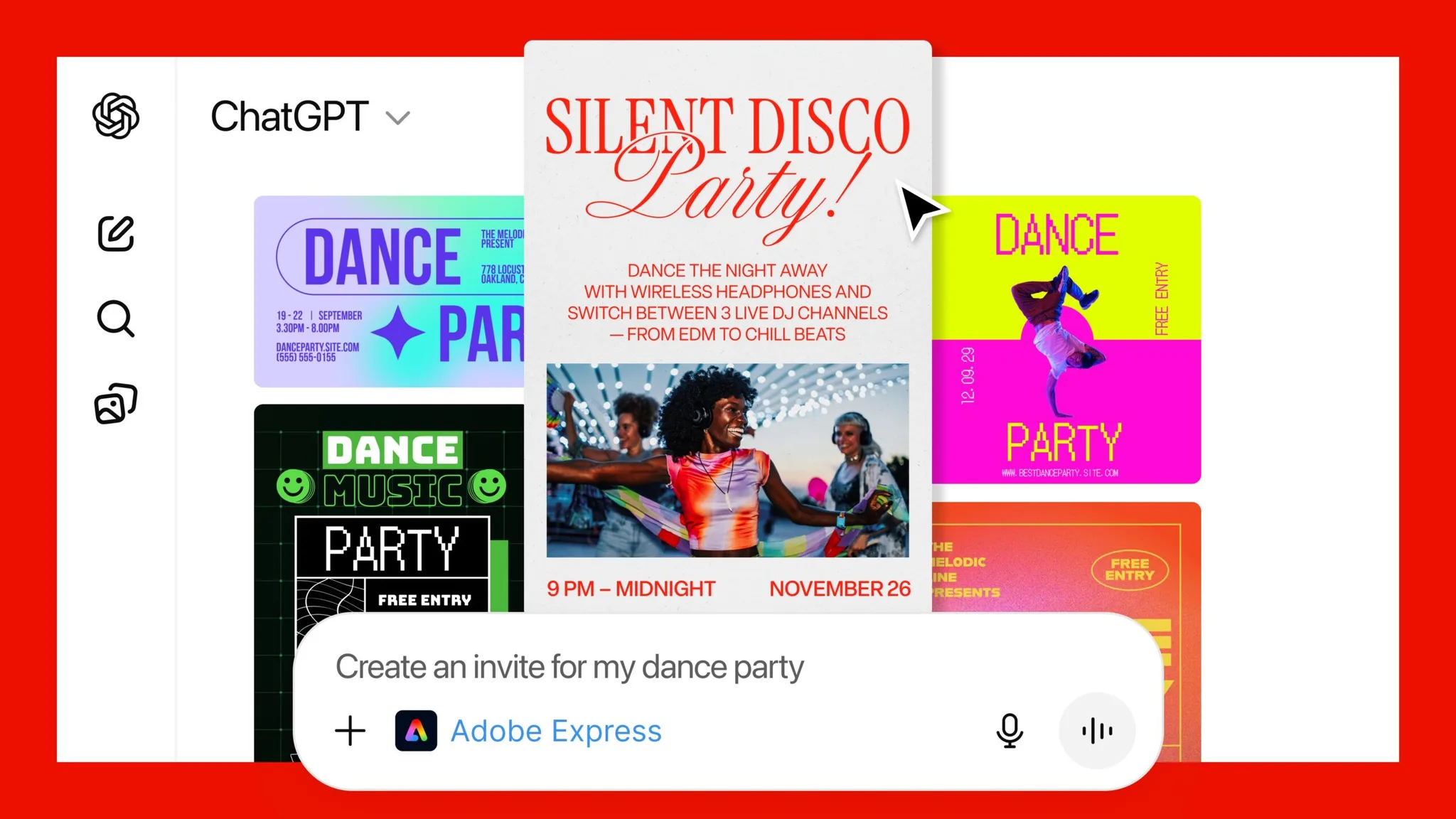
ChatGPT just quietly became a mini creative studio. Adobe has integrated Photoshop Express and Acrobat directly into ChatGPT, and both are free to use inside any conversation. This means everyday editing tasks that used to require switching apps can now happen in one place: the chat window.
Here what you can do:
Photoshop Express Tools (Inside ChatGPT)
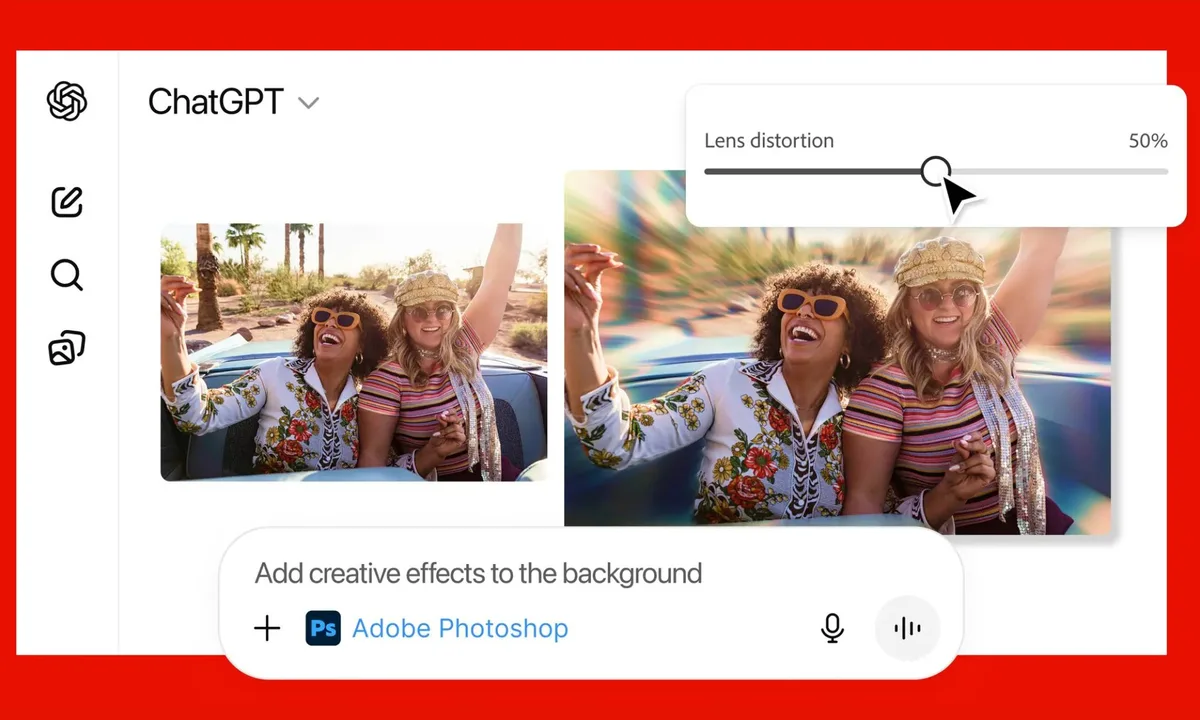
You can now edit images without opening Photoshop. Directly in the chat, you can:
- Crop, retouch, or enhance photos
- Remove or replace backgrounds
- Apply filters and adjust exposure, contrast, brightness, etc.
- Ask for AI suggestions (“make this brighter,” “blur the background,” etc.)
ChatGPT will open an Adobe-powered editing UI right in the thread, sometimes with sliders you can adjust live, sometimes with options to pick from.
Acrobat PDF Tools (Also Inside ChatGPT)
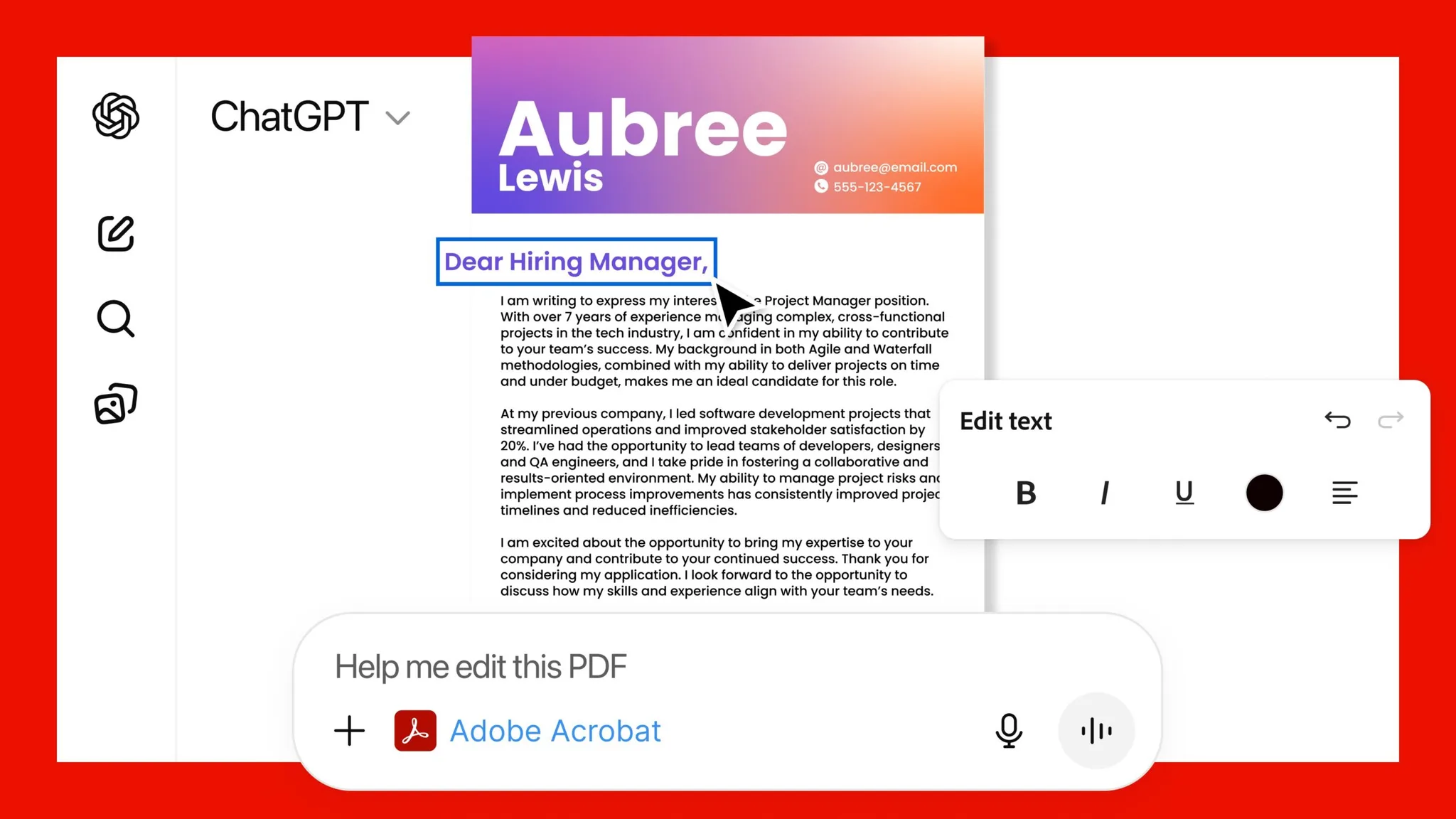
PDF editing is now just as simple. Inside a conversation, you can:
- Merge files
- Add comments, annotations, or signatures
- Redact sensitive information
- Convert to/from PDF formats
You’ll need to log into your Adobe account to export or save files, but using the tools inside ChatGPT is free.
How It Works
Just upload a file and tell ChatGPT what you want:
“Adobe Photoshop, blur the background of this image.”
“Adobe Acrobat, help me merge these PDFs.”
The Adobe tool launches inside the chat.
Most people jump between 3–4 apps just to handle simple image or PDF tasks. Now, ChatGPT becomes: your editor, your assistant, your file converter, your layout consultant. All in one window.
For casual or everyday editing, this is more than enough. For heavy-duty creative work, the full Adobe apps still win, but the convenience boost here is real.
Also Read:
ChatGPT Is Apple’s Most Downloaded App of 2025 in the U.S.
YouTube Creators Can Now A/B Test Multiple Video Titles
Meta Gets a New Centralized Hub to Recover Hijacked Accounts